MacSouverain

  • Home
  • Tutorials
  • Comparisons
  • Explainers
  • AI
  • My stack
  • Radar
FREN

AI

Put your local AI to work, no cloud
Tutorial ·Getting started ·AI

Put your local AI to work, no cloud

Your local model exposes an OpenAI-compatible API, right at home. Wire it to your real tasks with Shortcuts or Python, without any SaaS ever seeing your data.
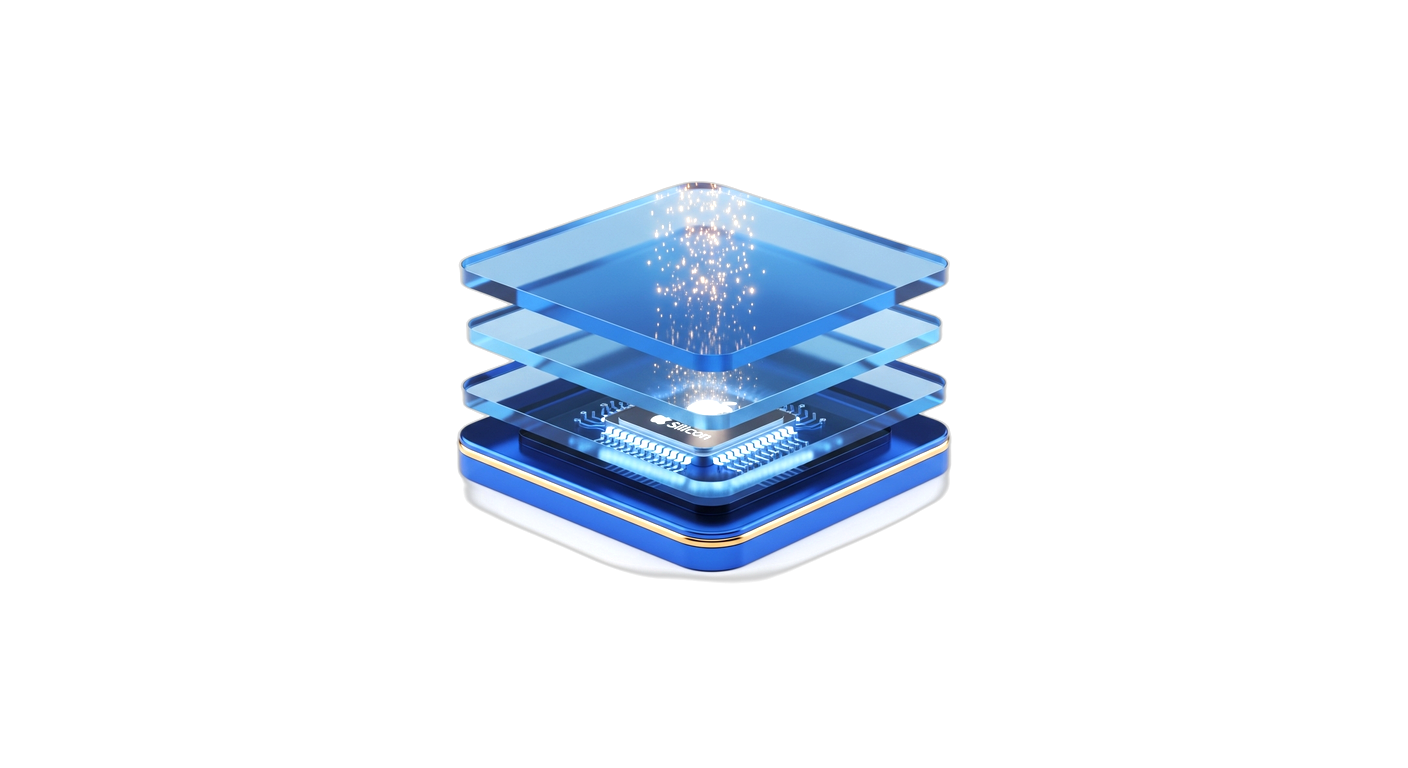
A blue glass door left ajar in the flank of an Apple Silicon chip, a thread of golden light leaking through the gap.
Tutorial ·AI

MCP servers, the backdoor into your AI

MCP servers give your AI real access to your Mac: files, shell. Handy, but it's a backdoor. Here's how to lock it down.
Install your first AI model locally on Mac
Tutorial ·AI ·Episode 2/2

Install your first AI model locally on Mac

"An AI model that runs 100% offline on your Mac Apple Silicon, in 20 minutes, without typing a single command. Install LM Studio, pick a model in MLX, enter your first prompt, then the ultimate test: cut the Wi-Fi."
Your AI can be turned off by the US, build your own
Tutorial ·AI ·Episode 1/2

Your AI can be turned off by the US, build your own

Access to cutting-edge AI models is becoming an American geopolitical lever. Here's what's running locally on your Mac, with 16 to 32GB RAM, and why that's your real foundation.
Apple Intelligence: What's Really Leaving Your Mac
AI

Apple Intelligence: What's Really Leaving Your Mac

Your Mac switched Apple Intelligence to ON without telling you. Three layers of processing, only one stays with you. And no one mentions the linked OpenAI account trap.
MacSouverain © 2026 Privacy Legal notice Cookies Terms of use About